General Information
Which fiat currencies are supported for Fiat Withdrawal?
Only United Arab Emirates Dirham (AED) currency is available for withdrawal on Bybit.
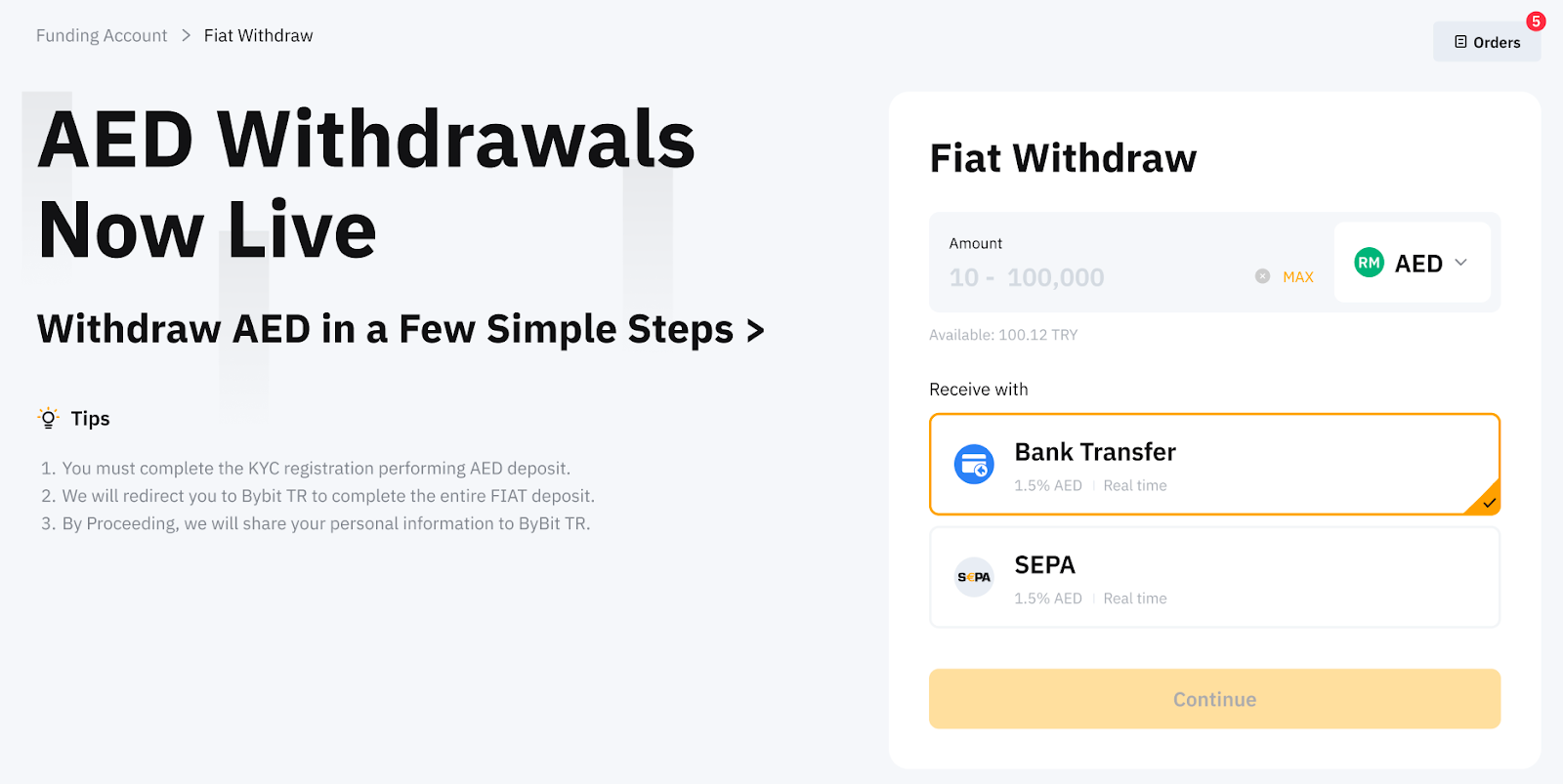
Are there any fees associated with Fiat Withdrawal?
There may be fees associated with your fiat withdrawal. You can find the relevant fee rates applied on the Fiat withdrawal page.
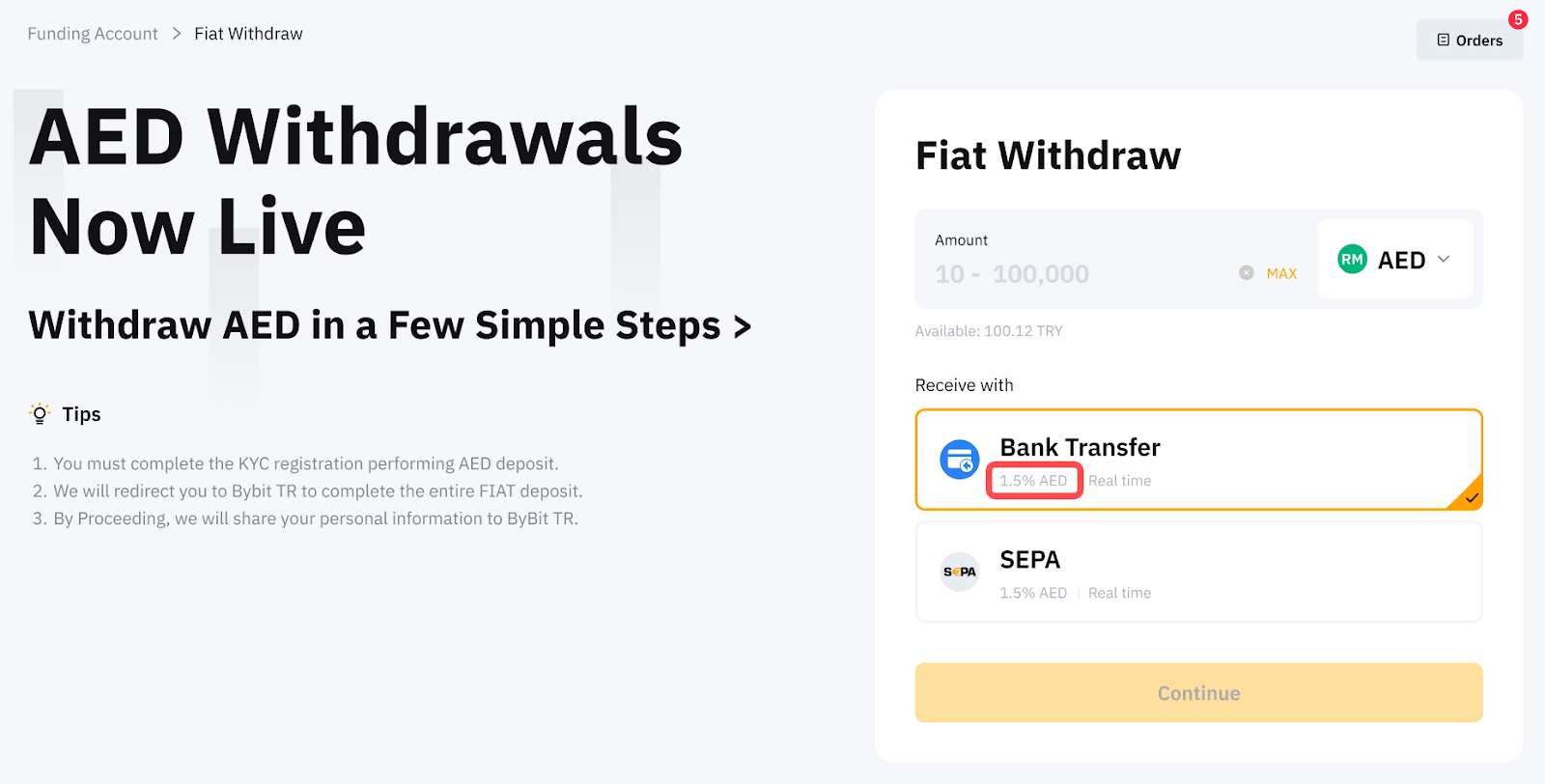
How long does it take for fiat currencies to be credited to my bank account?
The processing time can be different depending on the bank or service provider’s processing time. You can find the estimated processing time on the Fiat withdrawal page. Please also read through the tips next to the order window for more details.
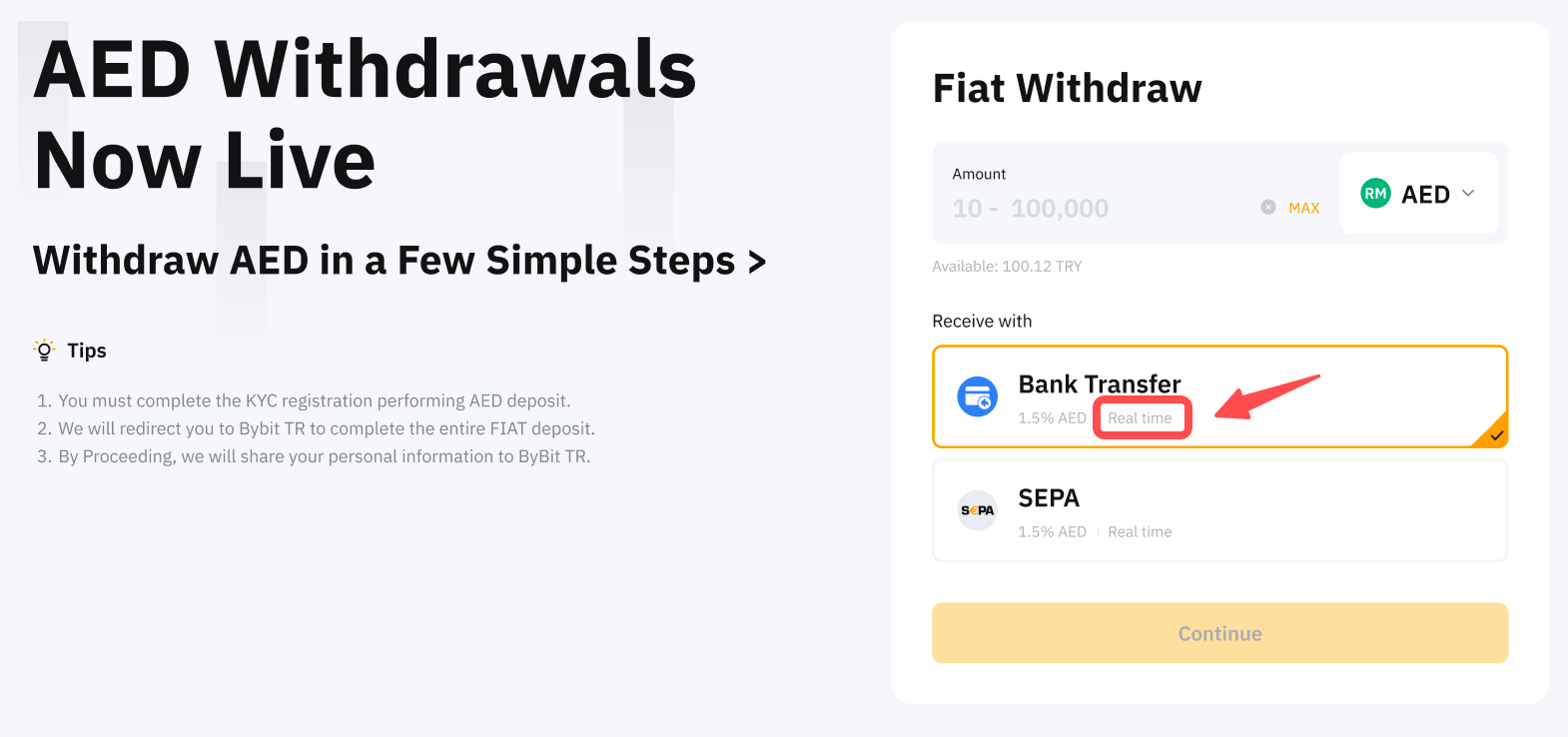
Are there any requirements for Fiat Withdrawal?
Yes. Please ensure the following requirements are completed:
Note:
— There is a withdrawal limit for different account VIP levels.
What is the fiat withdrawal limit applied to my account?
The minimum and maximum withdrawal amounts per transaction are indicated in the order zone.
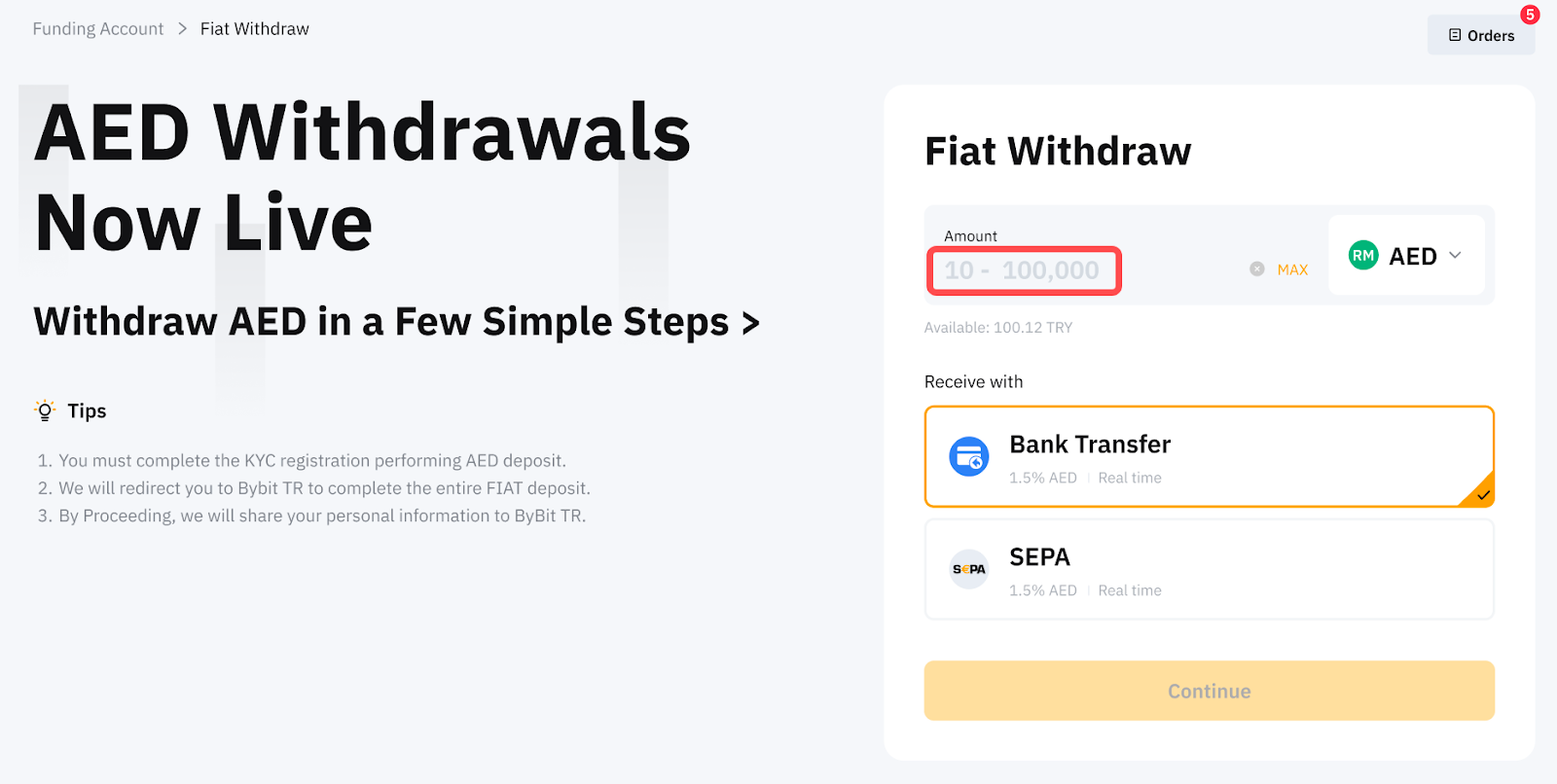
Withdrawal limits will also be applied based on your account’s verification types and VIP levels. Please refer to the table below for more information.
|
VIP Level |
Individual KYC (Standard) |
Individual KYC (Advanced) |
Business Verification |
|
VIP 0 |
Per Order: ≤ 20k Daily: ≤ 50k Weekly: ≤ 100k Monthly: ≤ 200k |
Per Order: ≤ 50k Daily: ≤ 100k Weekly: ≤ 250k Monthly: ≤ 400k |
Per Order: ≤ 50k Daily: ≤ 100k Weekly: ≤ 200k Monthly: ≤ 400k |
|
VIP 1 |
Per Order: ≤ 50k Daily: ≤ 100k Weekly: ≤ 200k Monthly: ≤ 400k | ||
|
VIP 2 |
Per Order: ≤ 50k Daily: ≤ 150k Weekly: ≤ 300k Monthly: ≤ 500k | ||
|
VIP 3 |
Per Order: ≤ 50k Daily: ≤ 200k Weekly: ≤ 400k Monthly: ≤ 500k | ||
|
VIP 4 | |||
|
VIP 5 | |||
|
Supreme VIP | |||
Notes:
— All fiat withdrawal limits shall follow USD equivalent value.
— The accumulation of the transaction amount will be calculated from Monday, 00:00 AM UTC to Sunday, 23:59 PM UTC for the weekly total.
— The accumulation of the transaction amount will be calculated from the first day of the month, 00:00 AM UTC to the last day of the month, 23:59 PM UTC for the monthly total.
— Identity Verification Level 2 is required if the accumulated fiat withdrawal exceeds 5,000 USD equivalent value.
— Additional verification may be requested even before reaching the limit due to risk control and the review is expected to take up to 2 working days.
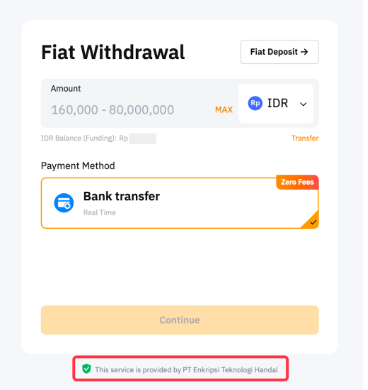
How can I determine which service my currently selected payment method is under?
You can find the relevant service information below the deposit information input box.
What should I do if I encounter issues during the withdrawal process?
If you encounter any issues with your fiat withdrawals, kindly submit a case via this link and provide the information accordingly. Once the case is submitted, you will receive an automated email with your case number. Our customer support will reach out to you within 1-2 working days.
To learn more about how to withdraw fiat currency, please refer to the available articles for each currency here.
Can I cancel my withdrawal order?
No, your fiat withdrawal request cannot be canceled once it is submitted successfully.
Withdrawal Method Related
How to add a fiat withdrawal account for each payment method?
If you have previously made a deposit using the same payment method the account will be automatically added to the withdrawal account option list if it is supported for withdrawal.
Otherwise, you may click "Add an account". Please ensure that the information you provide, such as bank account information, matches the Bybit Individual or Business KYC information. However, please note that you will need to make a first deposit via the new payment method to add your bank account for deposit and withdrawal on your Bybit account.
Notes:
— For detailed guidelines, please refer to the withdrawal guides here.
— The application review for adding a new withdrawal account may take 3-5 business days. You will be notified about the application result via email. Once the account is successfully created, you will not be required to verify for deposit.
— **Selected users can add an account upon withdrawal by completing the verification. Kindly ensure that the information you provide, such as bank account information, matches the Bybit Individual or Business KYC information.
|
Form of Withdrawal Account |
Payment Method |
Description |
|
Bank Account |
|
You may choose the available linked bank accounts or add another bank account to withdraw fiat. |
How many fiat withdrawal accounts can I add?
Currently, up to 5 withdrawal accounts can be linked for Fiat withdrawals.
How can I add or remove bank accounts when the maximum number of linked withdrawal accounts has been reached?
If you have reached the maximum number of linked bank accounts, you will need to unlink one of the existing accounts by clicking the Bin icon before adding a new one. You will need to enter the email or 2FA verification code for verification when removing a linked account.
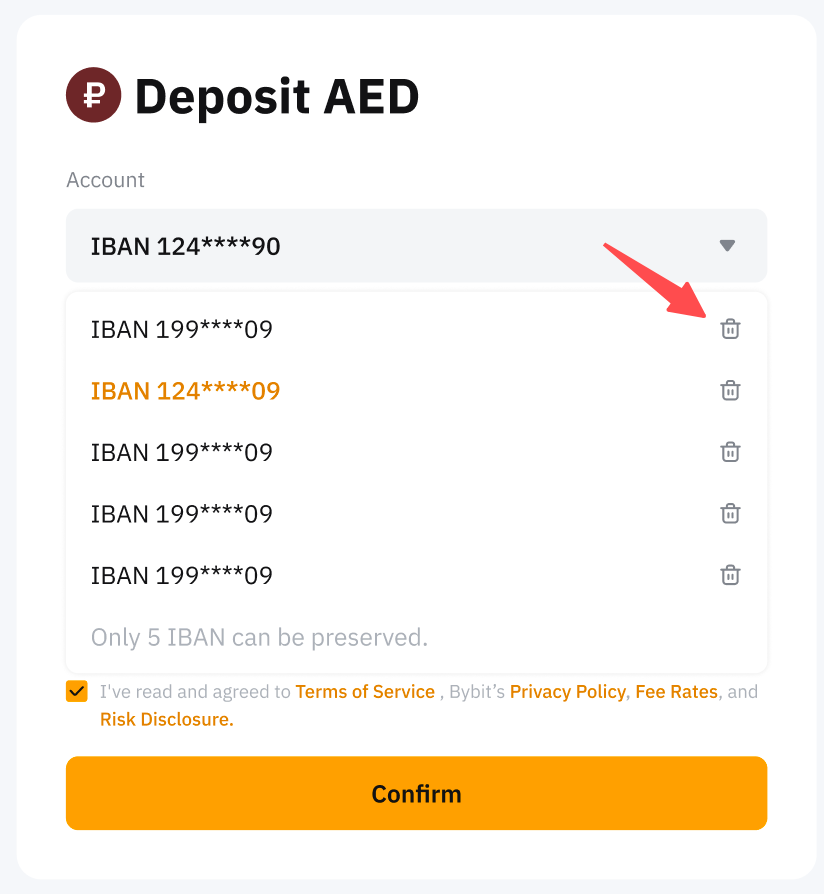
After successfully unlinking the desired account, you can proceed to add a new bank account by following the standard linking process.
Notes:
-
Please ensure no ongoing orders are associated with the account you wish to remove, as this may prevent successful unlinking.
-
If the Bin icon is not visible, it means the removal of the bank account is not allowed.
-
Please note that you will need to make a first deposit using the newly added bank account in order to enable withdrawals to that particular account. For more information, please refer to this article.
Why was I asked to submit documents in order to withdraw?
If the channel is unable to recognize your withdrawal information, you will be asked to upload documents for manual review. The review process will take 2 working days. Alternatively, you may also find the submission portal here.
How to remove my fiat withdrawal account from the option list?
Only invalid withdrawal accounts that have a “bin” symbol can be removed. Otherwise, once the account is successfully added, it cannot be removed.
Order Related
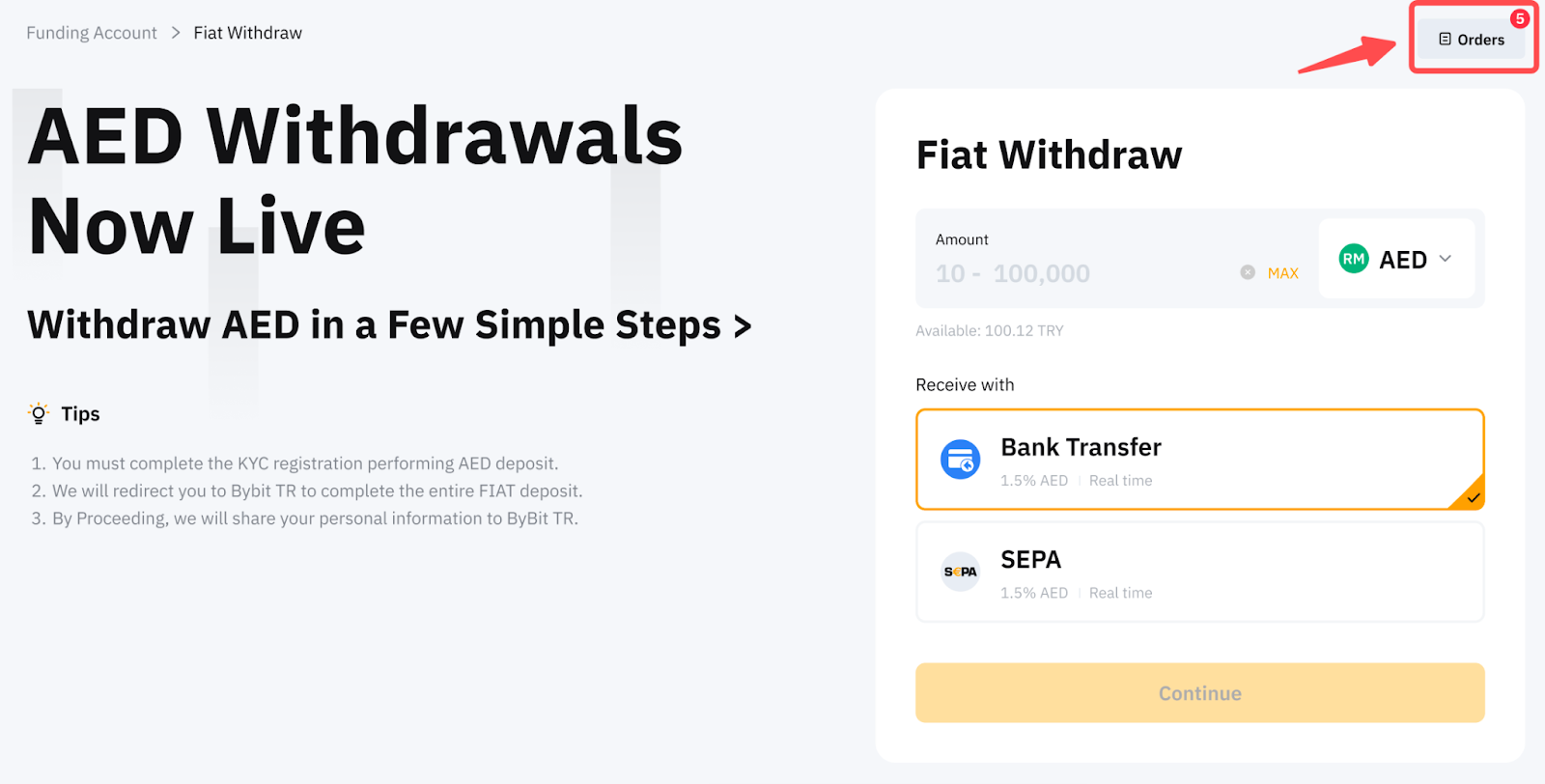
Where can I view my fiat withdrawal history?
To view your Fiat withdrawal history, please click on Orders in the upper right corner of the Fiat Withdrawal page.
How to increase the success rate of your fiat withdrawal?
The beneficiary details must align precisely with your Bybit Individual or Business KYC details. Using third-party accounts for payment transfers is strictly prohibited. Please ensure that the recipient's information, such as full name, consistently matches the details provided in your Bybit Individual or Business KYC. Otherwise, it may cause the withdrawal to fail, and further review is required. Please note that the review may take 7-14 working days.
Why does my fiat withdrawal order show "Processing"?
If your fiat withdrawal order has passed the processing time indicated and is still being processed, this usually means the service provider has not returned the status of the withdrawal order. In this case, we would need to check with the service provider. Please submit a request here. Kindly be informed that the investigation may easily take up to 7-14 business days as communication with external parties is involved.