General Information
What is the difference between Fiat Deposit and other payment methods?
Fiat Deposit allows you to transfer fiat currency to your Bybit Funding Account. After that, you can purchase coins at any time with the fiat balance in your Funding Account. To learn more about other payment methods, please visit here.
Which fiat currencies are supported for Fiat Deposit?
For fiat deposits, Bybit only supports United Arab Emirates Dirham (AED) currency.
Are there any fees associated with Fiat Deposit?
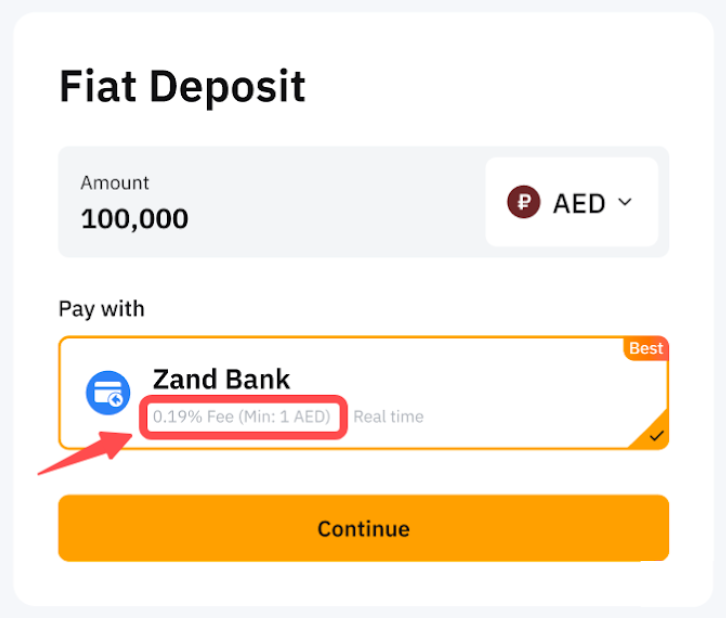
There may be fees associated with your fiat deposit. You can find the relevant fee rates applied on the Fiat deposit page.
Are there any KYC requirements for Fiat Deposit?
Yes, Individual or Business Verification is required for Fiat Deposit. For more info, please refer to Benefits of Different KYC Levels.
Do Subaccounts support fiat currency deposits?
Subaccounts are currently not supported.
How long does it take for the fiat currency to be credited to my Funding Account?
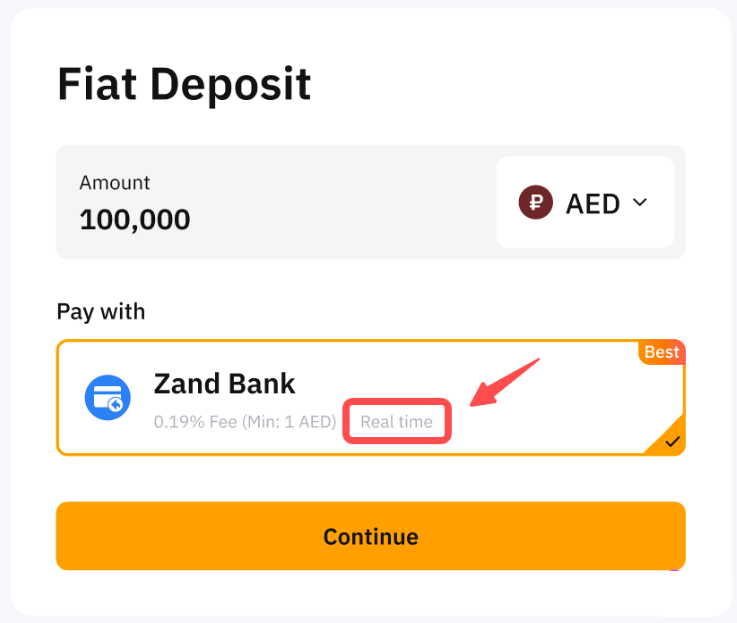
Usually, the deposit will be credited according to the estimated processing time. If the processing time has passed and you have not received the deposit in your Bybit account, please confirm if you have any pending tickets on Support Hub. If there is no pending ticket, kindly submit a request ticket here.
Where can I view the fiat currency I’ve deposited once the order is complete?
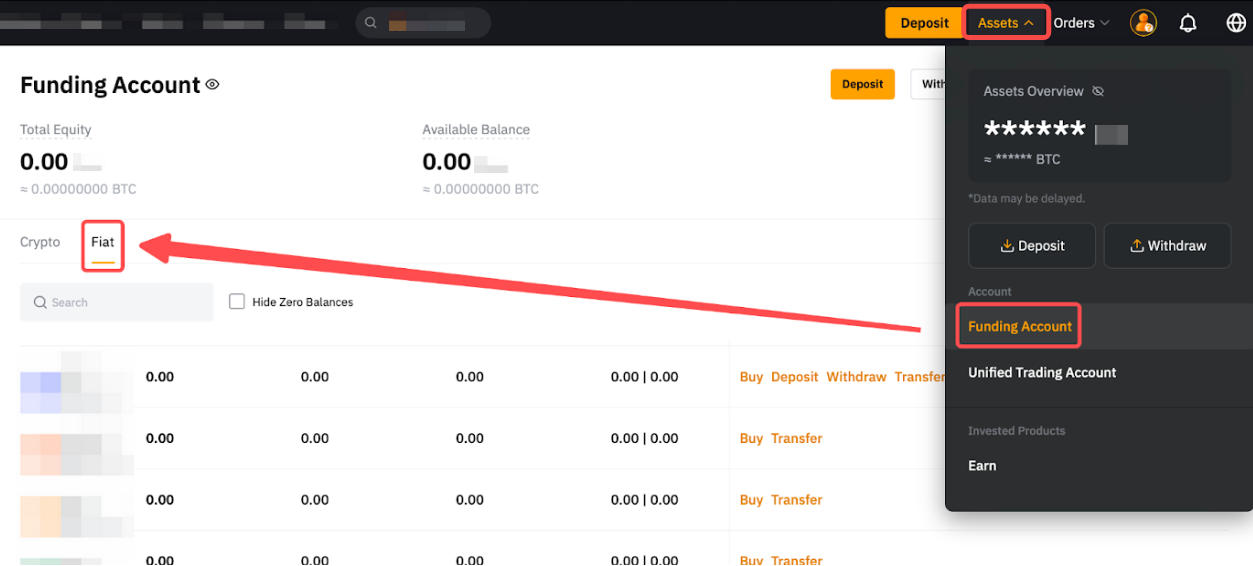
Please click on Assets → Funding Account to view your purchased fiat currency under Fiat.
What is the fiat deposit limit applied to my account?
You can check the deposit limit per transaction from the deposit window.
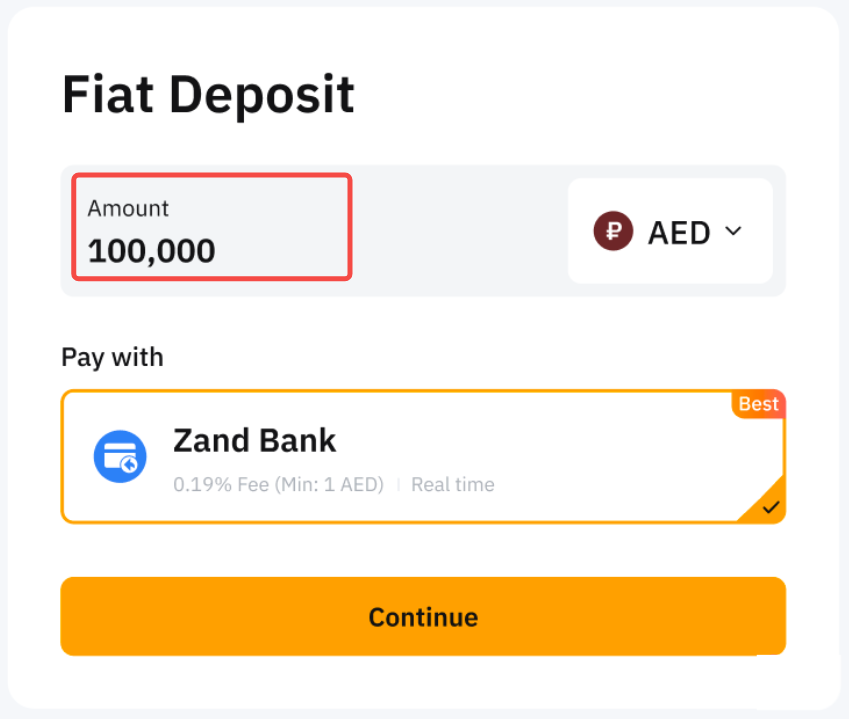
Deposit limits will also be applied based on your account’s verification types and VIP levels. Please refer to the table below for more information.
Notes:
— All fiat deposit limits shall follow USD equivalent value.
— The accumulation of the transaction amount will be calculated from Monday, 00:00 AM UTC to Sunday, 11:59 PM UTC for the weekly total.
— The accumulation of the transaction amount will be calculated from the first day of the month, 00:00 AM UTC to the last day of the month, 11:59 PM UTC for the monthly total.
— Please note that additional verification may be requested in order for the full maximum deposit limit amount to be applied on your account
Can I cancel my deposit order?
You will not be able to cancel your fiat deposit order on Bybit. However, you may try to contact your bank to cancel the payment if the payment has not been completed.
What documents should I submit if an additional review process is needed?
Additional documents will be required when risk is detected by our relevant team. Please follow the instructions to submit the required documentation for further review. The process usually takes 48 hours to complete.
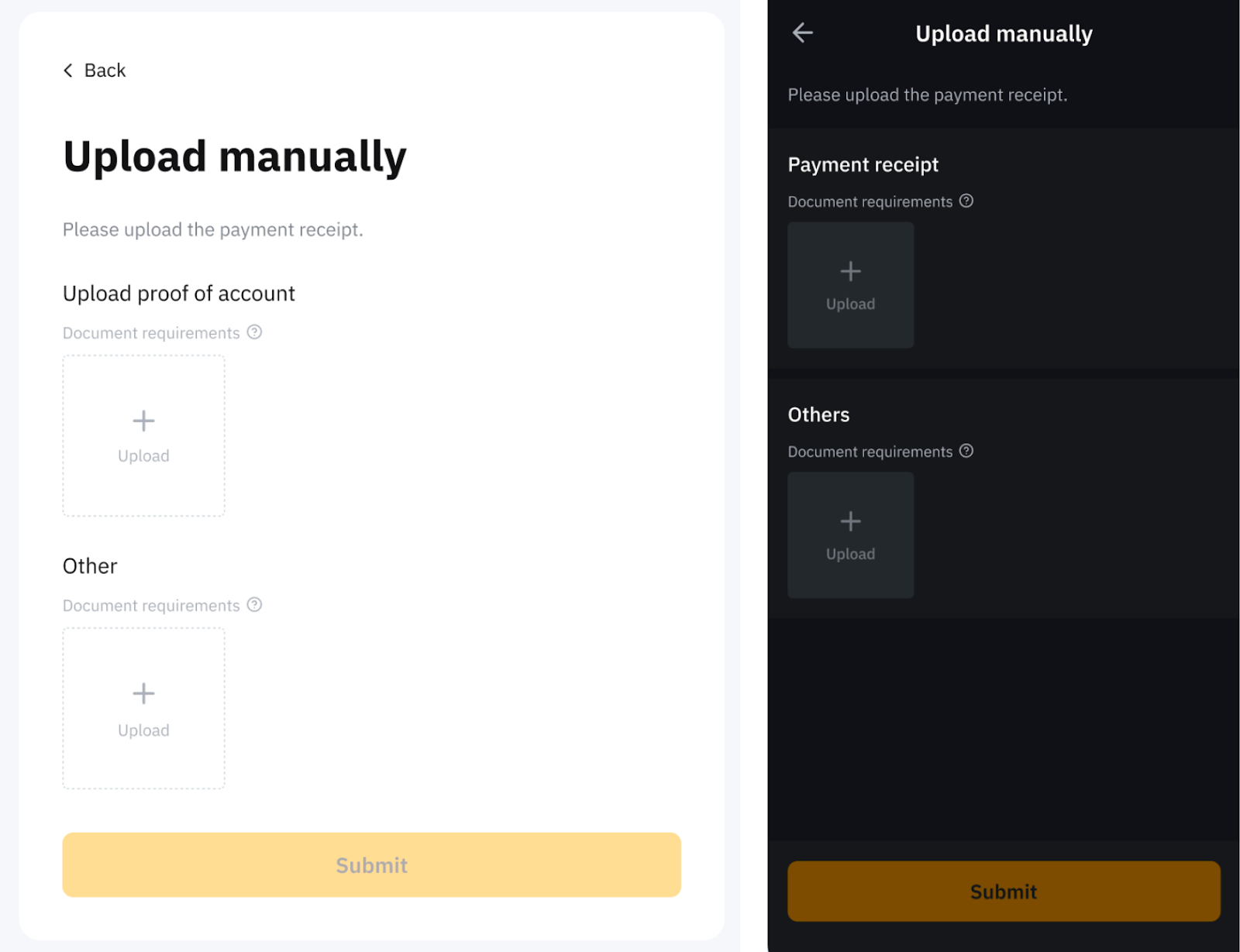
How can I determine which service my selected payment method is under?
You can find the relevant service information below the deposit information input box.
Deposit Method Related
Can I link the same payment details to two different Bybit accounts?
No, for security reasons, one payment account can only be linked to one Bybit account. If you have already associated your payment account with a Bybit account, please use another payment account for your new Bybit account.
How does the payment method work?
The following table describes the payment method and its process.
Note: Additional verification may be requested by the service provider.
How many bank accounts can be linked for fiat deposits?
Currently, you can link up to five (5) bank accounts to your account.
How can I add or remove bank accounts when the maximum number of linked deposit accounts has been reached?
If you have reached the maximum number of linked bank accounts, you will need to unlink one of the existing accounts by clicking the Bin icon before adding a new one. You will need to enter the email or 2FA verification code for verification when removing a linked account.
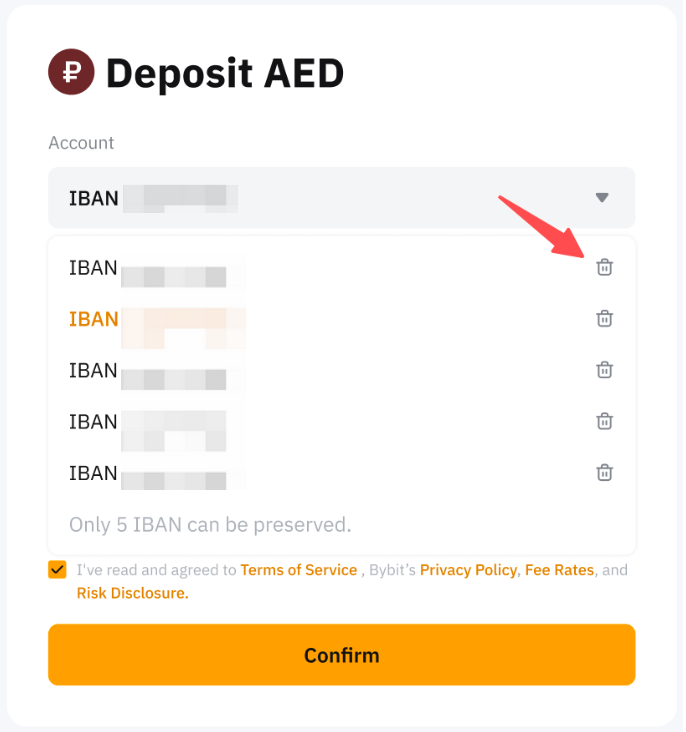
After successfully unlinking the desired account, you can proceed to add a new bank account by following the standard linking process.
Notes:
- Please ensure no ongoing orders are associated with the account you wish to remove, as this may prevent successful unlinking.
- If the Bin icon is not visible, it means the removal of the bank account is not allowed.
- Please note that the system may have specific requirements or verification steps for adding new accounts. For more information, please refer to this article.
Order Related
How to make a successful fiat deposit?
The depositor's details must align precisely with your Bybit Individual or Business details. Using third-party accounts for payment transfers is strictly prohibited. Please ensure that the payer information, such as full name, consistently matches the details provided in your Bybit Individual or Business KYC. Otherwise, it may cause the deposit to fail and further review is required.
Please note that the review may take 7-14 working days, assuming all required information has been promptly provided upon request.
Where can I check my order status?
Your order details can be found on the Order page.
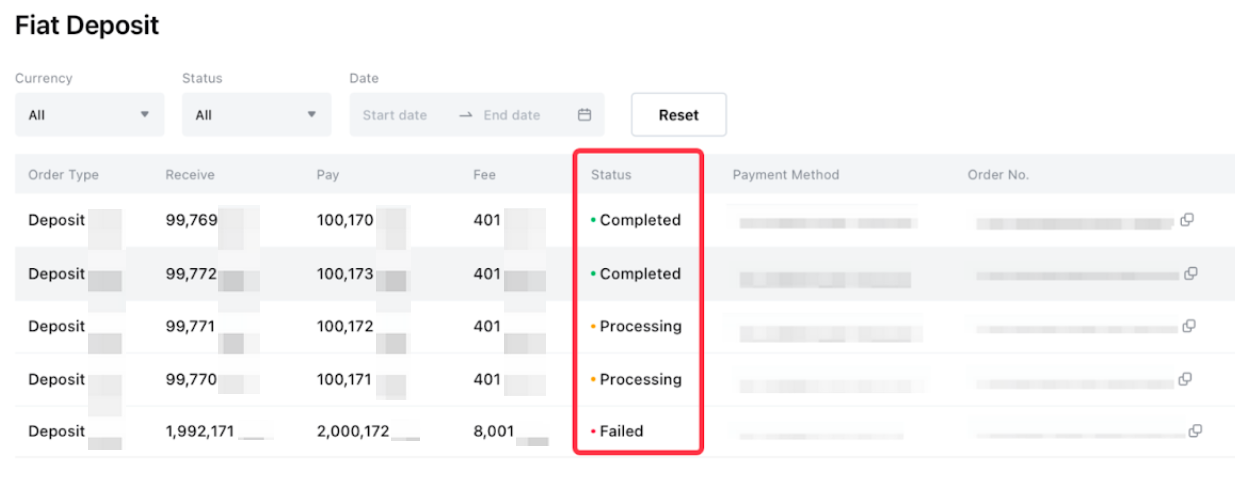
Why does my fiat deposit order status show "Deposit Processing"?
In order for your deposit order to be completed, you will need to submit additional information. Please check your mailbox and follow the instructions in the email to provide the required information. In case you did not receive the email, we recommend placing a new Fiat Deposit order on the Bybit website or visiting the Fiat Deposit Order page and hovering your mouse over the red question mark to submit the verification documents.

Why does my fiat deposit order status show "Processing"?
If your fiat deposit order has passed the processing time indicated and the payment has not been deducted from your bank account, you may disregard this order and proceed to place a new fiat deposit order. The "Processing" status should be updated shortly after the processing time is over. If your payment was deducted from your bank account and the status is still "Processing" after 3 business days, kindly submit a request here.

Why does my fiat deposit order status show "Refund Processing"?
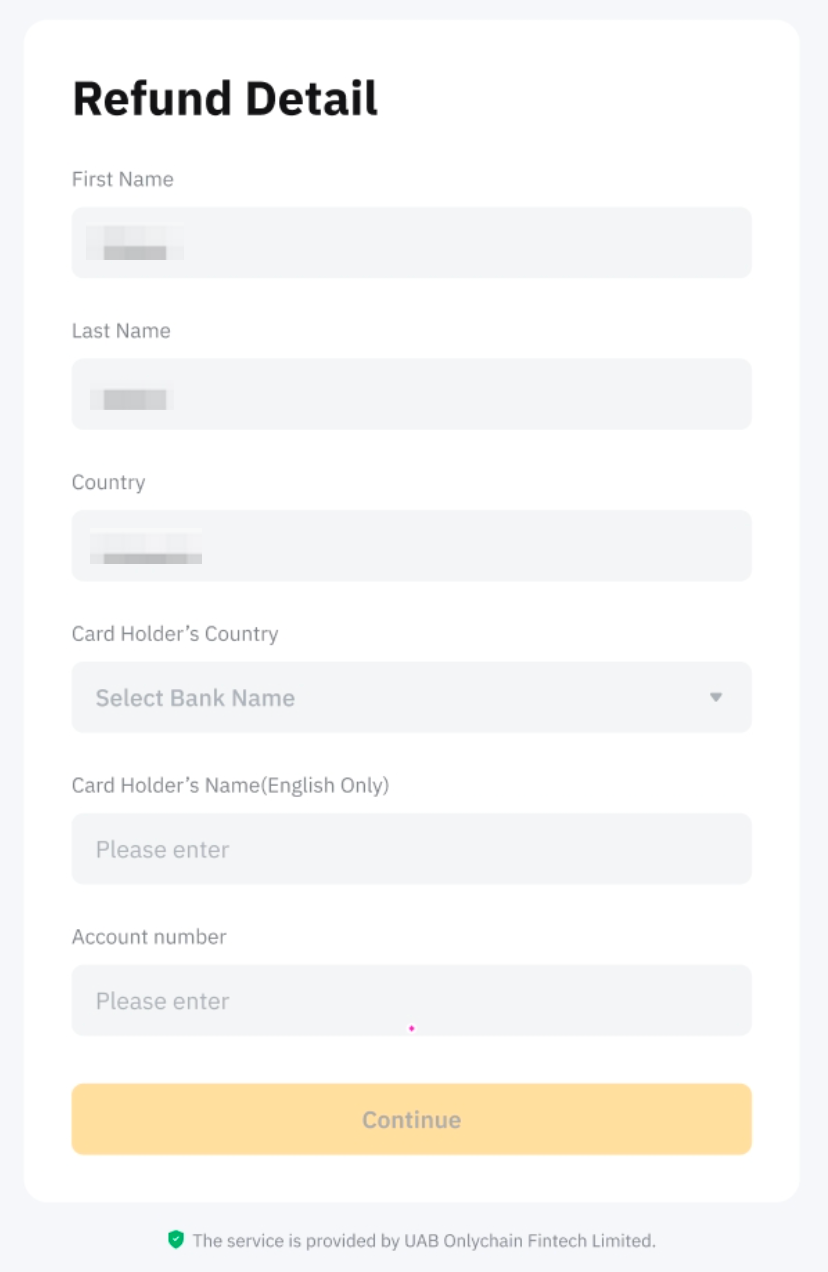
When a refund is required, you will need to submit the refund details on the Buy Crypto Order page → Fiat deposit → hover to the Refund Processing and click on Submit. Alternatively, you may also find the submission portal here. Please follow the instructions and submit the relevant documents which will be reviewed within 48 hours. Then, the refund process will take approximately 7-14 business days for the bank to refund.
Why does my fiat deposit order status show "Failed" even though I have made the payment?
In order for the relevant team to investigate further, kindly submit a request here.
Why is my fiat deposit frozen?
Some fiat deposits can be frozen for some time due to a transaction review by our risk team. You will receive an email with more information about the status of your deposit once a transaction triggers a review. Please note that this review may take up to 5 working days.
Where can I view my order history?
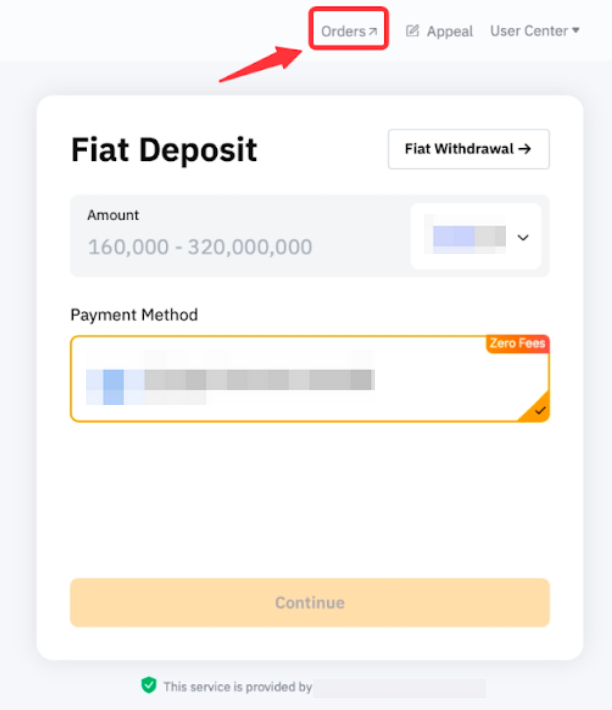
To view your order history, please click on Orders in the upper right corner for more details.